Run exams
Compare 3 assessment delivery modes: Homework, Proctored exam, or Open exam room
Examine three delivery workflows on rayQuiz to select the appropriate channel for homework, proctored exams, or open mock tests.
rayQuiz provides three distinct delivery channels for deploying tests. All three auto-mark and store grade data, differing in scheduling flexibility, candidate eligibility, and proctoring supervision.
2 min · 3 steps
- 1
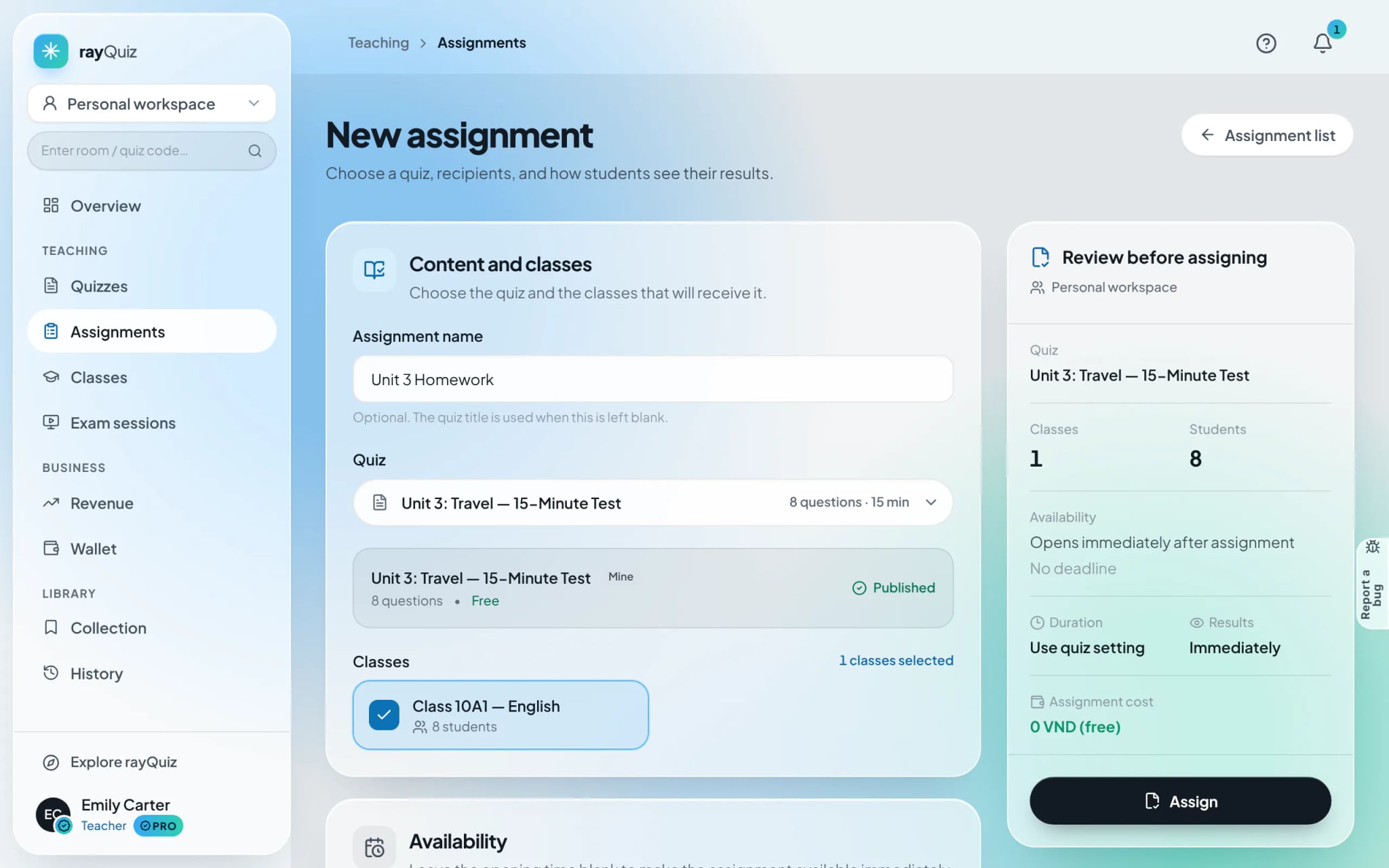
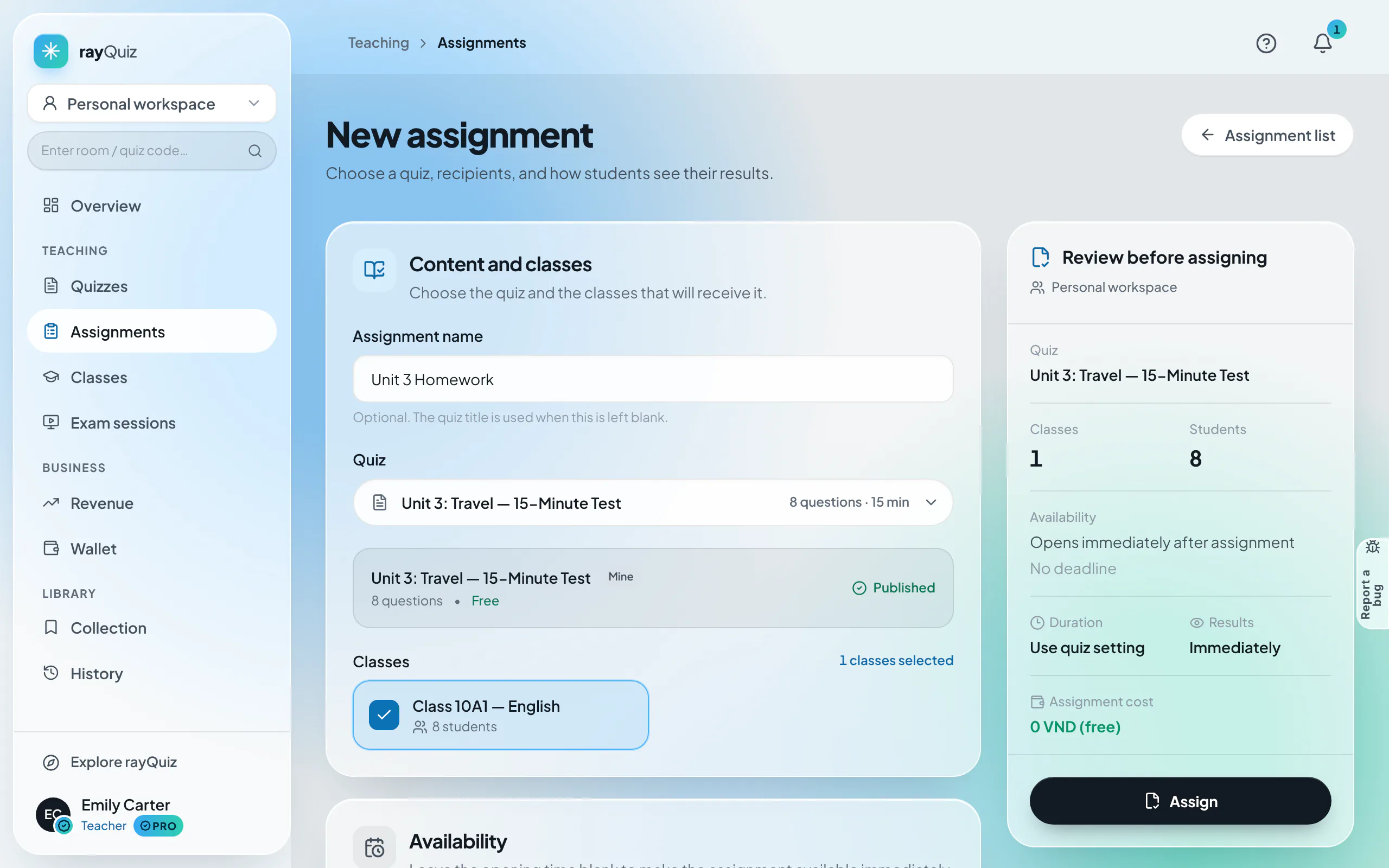
Mode 1: Homework assignments (Asynchronous formative assessments)
Application: Formative practice, weekly homework, and modular drills. Assigned to designated cohorts across multi-day windows with strict deadlines. Students complete work at their convenience with optional multiple attempts. Built inside "Assignments".
- 2
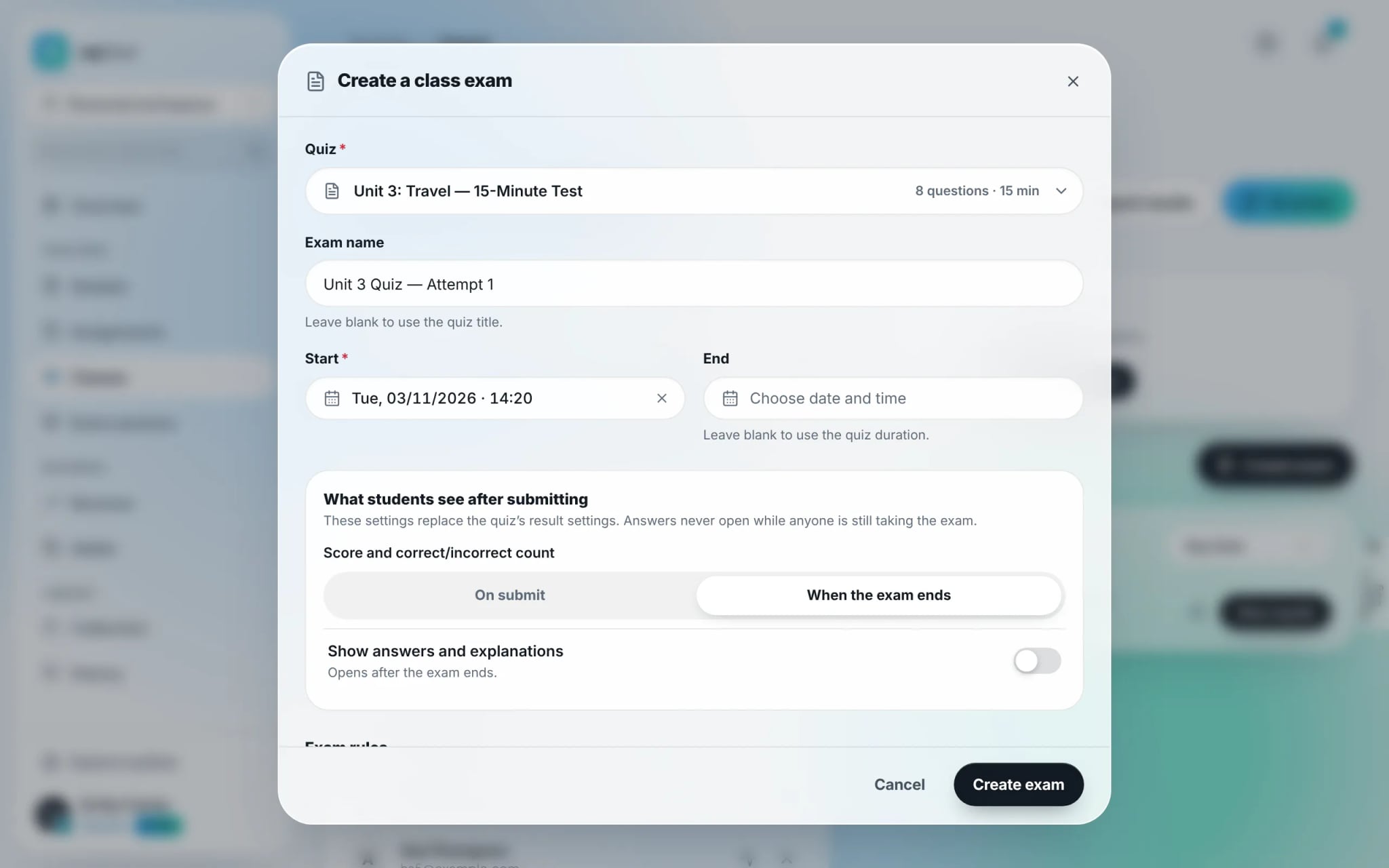
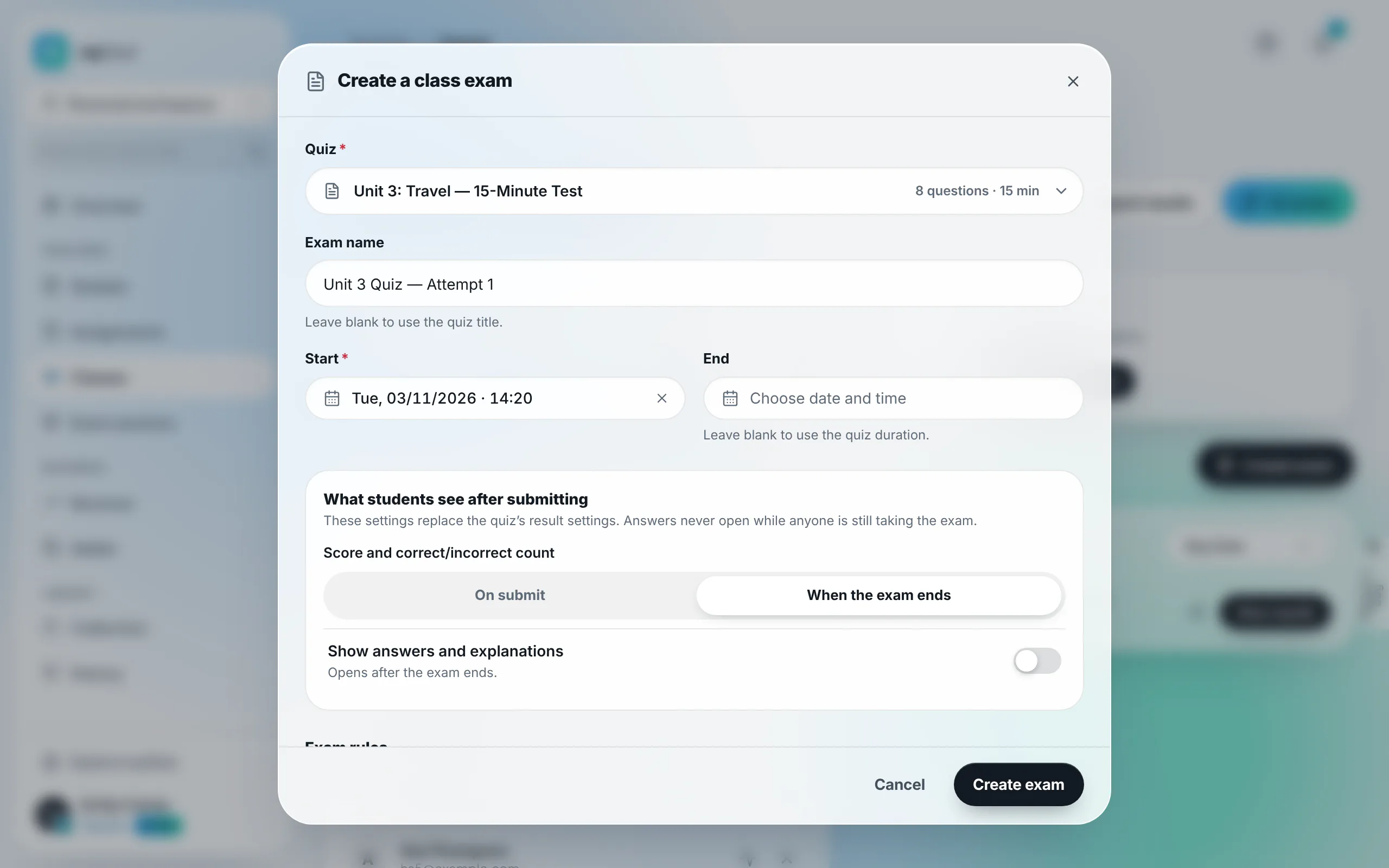
Mode 2: Proctored class exams (Synchronized summative cohort testing)
Application: Periodic quizzes, midterms, and finals. Launched directly from the class hub. Features a synchronized countdown lobby, simultaneous start, anti-cheating tab surveillance, and a live proctoring board. Restricted strictly to enrolled class students.
- 3
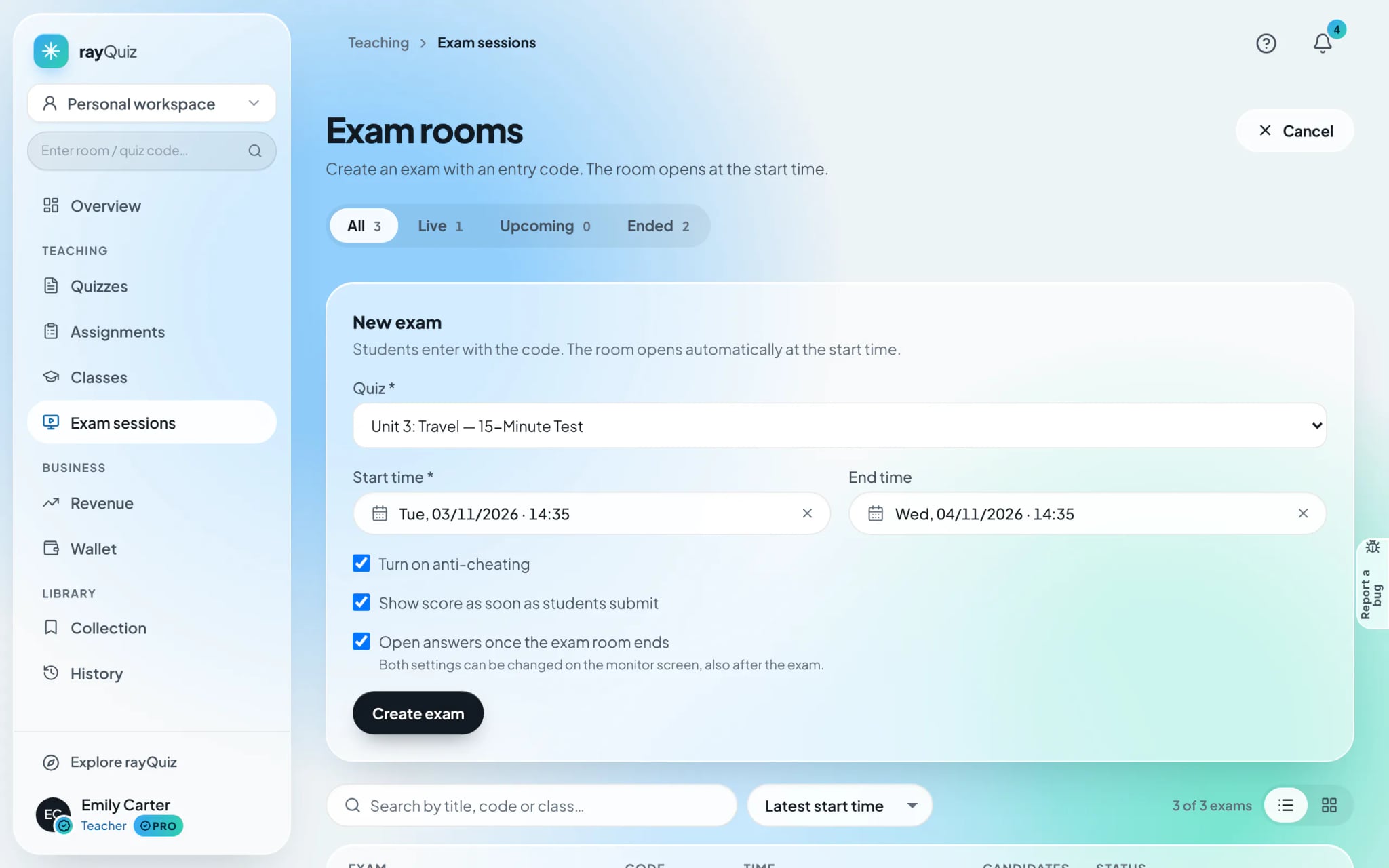
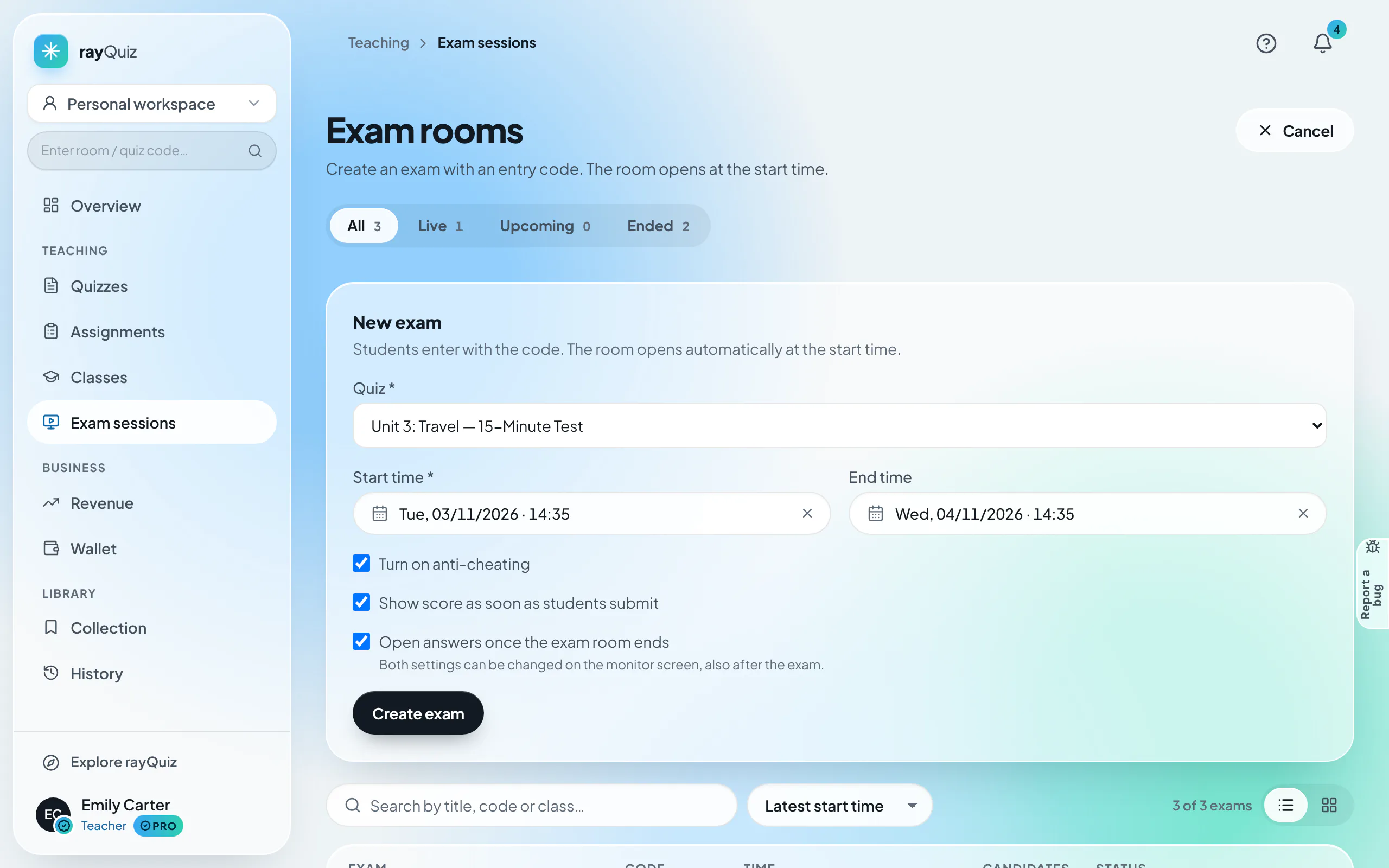
Mode 3: Open exam rooms (Code-based unrostered evaluations)
Application: Campus-wide mock exams, placement diagnostics, and external candidates. Created under "Exam sessions" with an assigned 6-character code or QR code. Any registered user holding the code can enter with anti-cheating controls.
Frequently asked questions
- When do students see answer keys across these different modes?
- For homework, keys release based on assignment rules. For proctored class exams and open rooms, answer keys remain locked while testing is underway and unlock only after all candidates have submitted.